
In this article
At month-end, every hour has been recorded. Yet someone still needs to assemble the picture: which time belongs to which order, why effort differs from the plan, and which entries need clarification before handover.
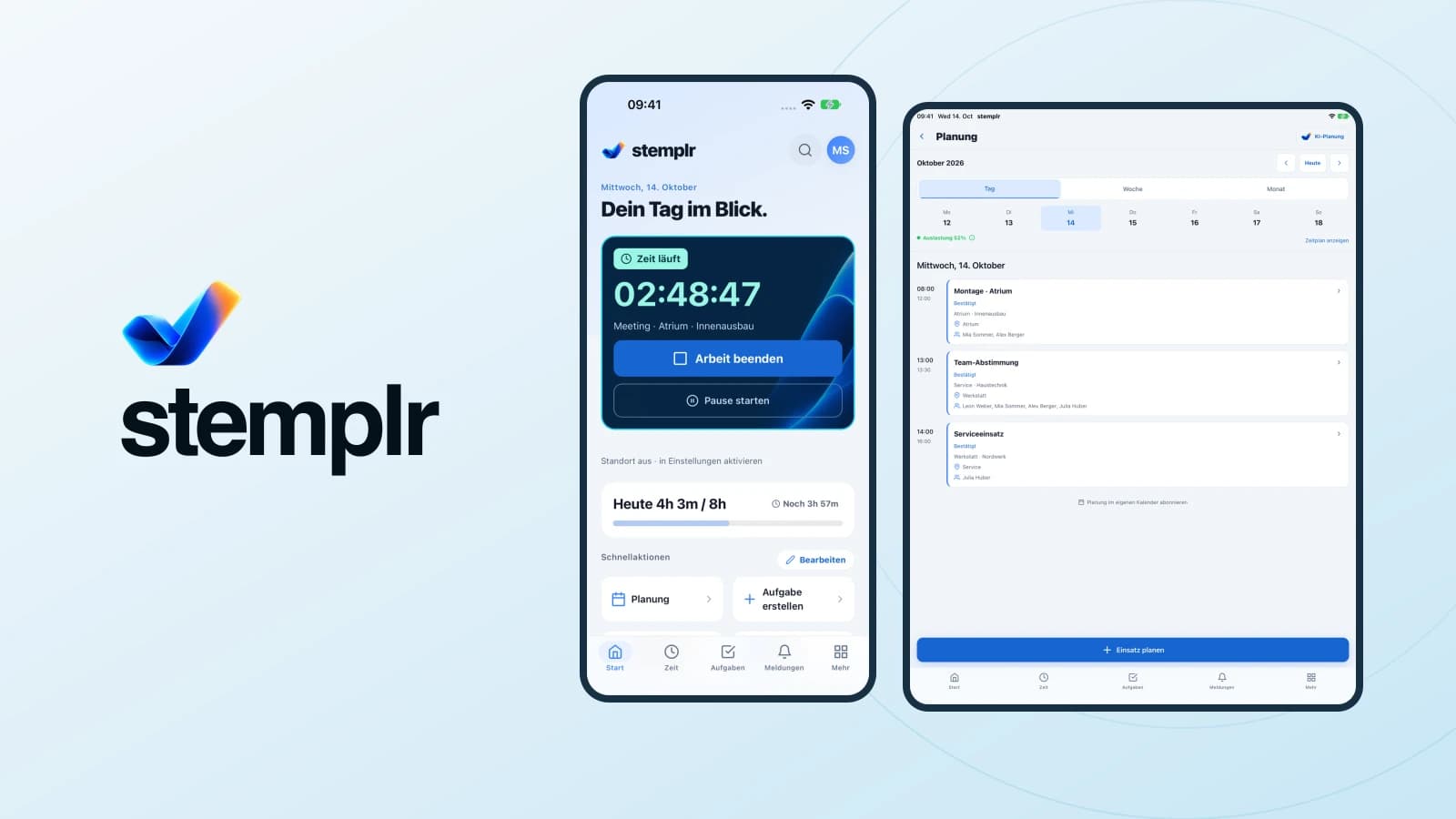
A running timer cannot answer these questions by itself. What matters is how recording, project allocation and reporting connect. stemplr brings time tracking, assignments and tasks together on the web, in the app and at a shared kiosk.
Decide what the data is for
An attendance overview and a project report answer different questions. One describes a documented working period. The other explains how effort is distributed across projects or orders. Mixing them produces numbers that are difficult to interpret later.
Before introducing a tool, agree on the information needed: person, date, working time, breaks and project allocation. Additional categories should serve a clear purpose. Complicated choices create more questions during the working day.
Give projects and tasks recognisable names
A useful project structure starts with clear names. An order should be easy for the team to recognise. Similar labels such as “Installation”, “New installation” and “Current installation” make later reporting difficult.
A simple convention might combine an order number with a short description. Also define how general activities that do not belong to a customer order are recorded. The rule should make sense in the workshop and in the field.
Record time where work happens
A tablet kiosk may suit a business where people start together. Mobile tracking may suit field work, while web access is convenient in the office. Different devices should still support a shared process.
In stemplr, time and breaks, project allocation, assignments and tasks are connected areas. Choose the recording method around the working day rather than the newest available device.
Example: Workshop preparation and installation
This is an illustrative workflow, not a client reference. A team prepares an order in the workshop and later installs it at the customer’s site. Both activities belong to one order but should remain understandable separately.
| Stage | What is recorded | Why it helps |
|---|---|---|
| Preparation | Order and related activity | Understand workshop effort |
| Installation | Time and project context | Compare planned and recorded effort |
| General work | Agreed internal category | Avoid unexplained unallocated hours |
| Correction | A clarified entry | Resolve questions before reporting |
The value does not come from having as many categories as possible. It comes from using shared terms and resolving exceptions promptly.
Organise corrections before month-end
Forgotten entries and incorrect allocations happen. Without an agreed process, they remain unresolved until the next report. Decide who collects questions, who reviews information and how changes are discussed.
A brief regular review of open entries is more useful than a large correction exercise just before handover. The aim is complete and understandable data. Clarify unusual entries before drawing conclusions about an individual.
Start reports with a question
“How many hours were recorded?” is a starting point. Project work often needs more specific questions: where did effort exceed the plan, which activities were unallocated, and what information was missing before an assignment?
A difference invites investigation. Additional customer requests, missing materials and an unclear plan can explain the same number. Reporting supports the conversation rather than automatically answering it.
Treat exports as a handover
Before the first export, agree on its recipient, period and format. Use a small example to check that allocations and totals reach the downstream workflow as intended.
stemplr includes reporting and exports to support further use of recorded time. Agree with the responsible people on what accounting or payroll needs. A digital handover works well only when the recipient understands the fields.
Introduce a manageable workflow
Start with a clear process and a small group. Review recording, project changes and handover together. Capture recurring questions and simplify the rules before expanding across the business.
Our stemplr product page shows current tracking, planning and other features. If you need to connect systems or build custom workflows, use an initial conversation to discuss your starting point.
Frequently asked questions
Does everyone need the same device?
No. A shared process matters more. Web, app or kiosk depends on the workplace.
How detailed should project categories be?
Detailed enough to answer a specific reporting question. Extra categories without a later use make recording unnecessarily difficult.
When should records be reviewed?
Regularly and before handover. The team should choose a rhythm that fits its workflow.